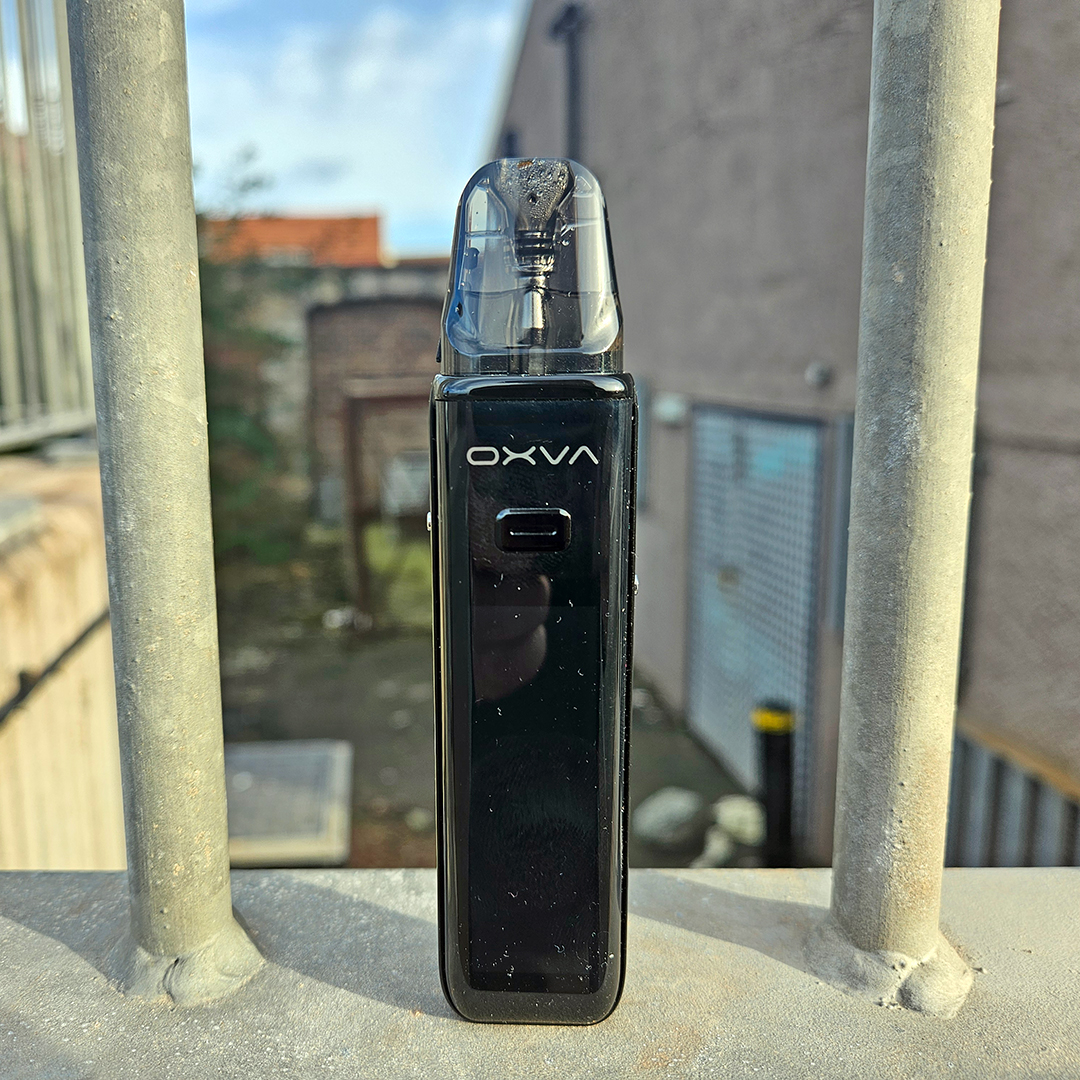
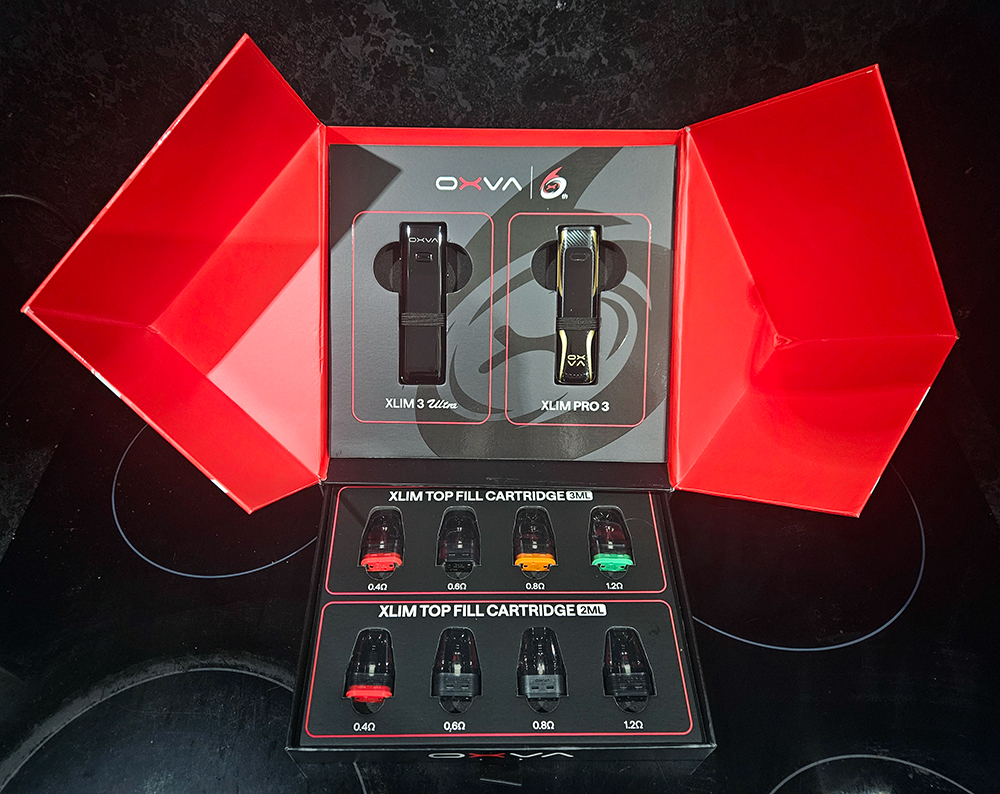
In the second review of the week for OXVA, we got to test out the XLIM 3 Ultra
OXVA sent me this tech packed new pod kit, the XLIM 3 Ultra, directly to test out.
Another release for OXVA’s 6th birthday, and this one is their first touch screen pod kit. A lot of manufacturers have been releasing touch screen pod kits recently, and I’ve tried a few. I am a fan, it makes things easier to deal with, no pressing a button multiple times, and it makes the kits seem more modern given that everything seems to have a touch screen these days.
The XLIM 3 Ultra has a 1500mAh battery inside it, and there’s a big 2.2” HD full touch screen to navigate. There’s airflow control, a lock switch, and it charges via a USB Type C slot. The main draw is the touch screen, it’s big and bold, with good sensitivity akin to that of the smartphones we all have in our pockets. You can button press or draw activate, and both are as responsive as the other. The kit again has the OXVA Super Pulse System in it to keep the draw consistent throughout.
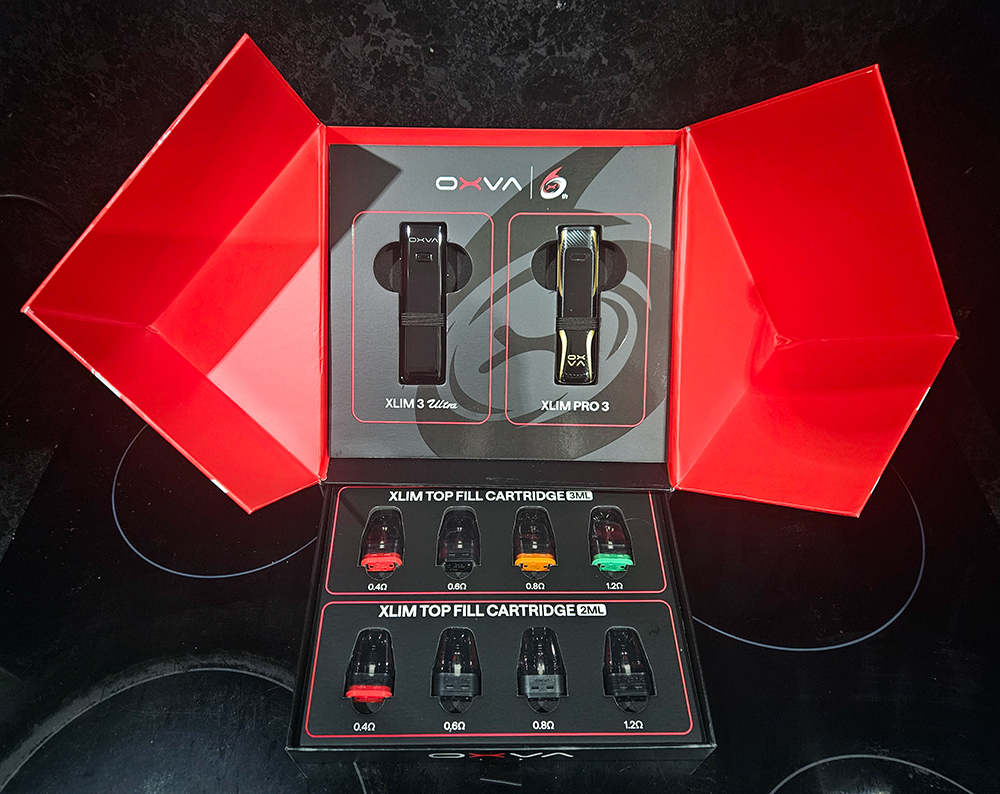
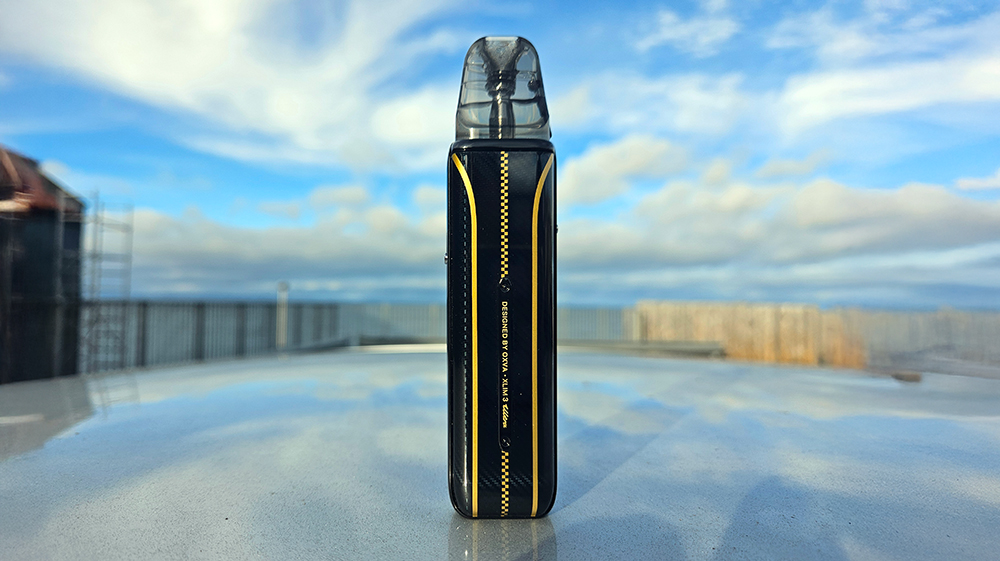
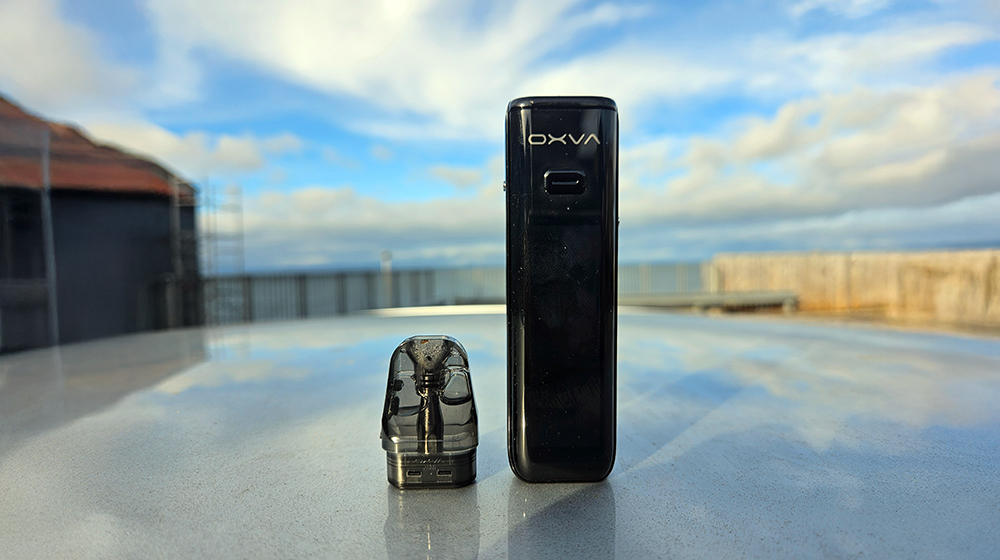
Style wise, the XLIM 3 Ultra is a bit beefed up from the Pro version. It’s wider, thicker, and taller, with less rounding, but it’s still comfortable to hold. The top third or so of the front is taken up by OXVA branding and the fire button, but the rest is taken up by the colourful screen. On the back, my one has a faux carbon fibre design and gold racing stripes on it, to tie in with the marketing on the OXVA webpage for the kit. They’re going for F1 style images to hint at quality engineering. On one side is the airflow adjuster, it’s back to vertical for this kit as opposed to the horizontal one on the XLIM 3 Pro but that’s not an issue as this kit is taller so it’s less likely you’ll cover the airflow with your hand. On the other side is a lock switch that locks the fire button for you, handy, and I’ve already fired the thing in my pocket so that was a good reminder to flick the switch when putting it away.
Function wise, it’s also very beefed up from the other XLIM devices, more quality of life functions than vaping ones, but it’s still got a lot more than the other kits OXVA usually put out, while still being simple and intuitive.
First you have to slide up to unlock the screen. Then a slide left allows you to adjust the wattage. A slide right lets you check the puff count, and it gets interesting because it starts off showing the day’s puffs in total and on a graph, then sliding down lets you see the weeks and the months and finally you get to the bottom where you can clear the whole thing.
Sliding upwards lets you change the animation graphics. There are four to choose from, including turning it off so that’s a good thing. The other three are different animations for when you take a draw, there’s the momo (cow) that looks up at some flying butterflies, some emoji type letters that I assume make up the word OXVA along with a heart, and then there’s a plume of bluey purple smoke (vapour) with bright white starry type dots amongst it. It is all very fancy.
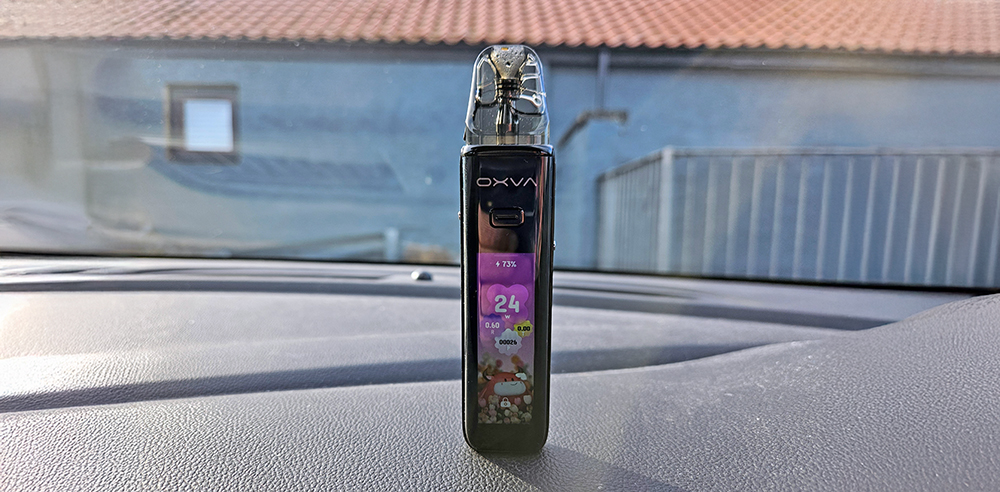
Sliding down gives you the options menu. You can turn on Eco mode, which lessens the draw just a little and turns off all the fancy animations to save power and make the battery last longer. It’s a decent Eco mode that doesn’t take too much flavour away from your draw. Next is a set up menu where you can turn the vibration function on or off and again change the animations or choose your preferred theme. There are three of these to choose from. Next there’s a language menu where you can choose from a whopping thirteen languages.
After all this, there’s more. There’s a screen menu where you can adjust the brightness and set the screen off timing from 10 seconds to 20, 30 or 40 seconds. Next is a guide menu that first lets you see how to use the touch screen with wee finger icons then the next setting gives you a QR code to take you to a video showing how to use the kit. Then there’s the about page, which just gives you the software edition number. Then, whew, finally, there’s a general setting menu that lets you turn off the kit, restart it or reset it to factory settings.
As I say, none of the functions affect the vape, other than the wattage adjustment, but for those who like to tinker, there’s a lot there that you can find easily, despite the wall of boring text I’ve just written.
In use the XLIM 3 Ultra is simple. Fill a pod, pop it in, turn the kit on, and it’ll automatically set the wattage for you. If you want to adjust the wattage, you can do so but it’ll limit you to the lower or higher end of the coil’s recommended wattage. I’ve moaned before about that, but I’m coming from mods where there are no restrictions, so I won’t say any more.
I started with the 0.6ohm pod again and the draw with the airflow fully open is quite breezy. It’s similar to the XLIM Pro 3 but I feel it’s just a touch more open, not much, but I did notice it side by side vaping. It’s a good RDL draw is what I’m saying, and it delivers some great flavour. You can adjust the airflow to get the draw you like and, again, fully closed is a tight MTL, like OXVA tend to do, which is great for those who like a nice tight draw. The vapour production is great as well. With a 70/30 juice, the 0.6ohm pod will give you a nice plume of vapour.
The other pods worked well too, the 1.2ohm pod goes to a max of 13W and is great for a tight MTL. The 0.8ohm hits a max of 18W, good for more sedate RDL and MTL, and the 0.4ohm to 30W, good for busting clouds. I liked the 0.4ohm pod a lot on this kit, it seems to suit it better than the Pro 3, and the flavour from it is fantastic, while giving a nice cloud off it too. It’s the same as the smaller Pro version where you get the flavour in your mouth, as well as the rich flavour on the back of the tongue near the taste receptors.
Final Thoughts
OXVA have delivered their most complex pod yet with the XLIM 3 Ultra, while keeping the main reason for having it, the vape, just as simple as ever. The Ultra will appeal to people who like their techy stuff, and the big touch screen will be good for those who perhaps have some dexterity issues.
I want to be cynical and say that all you need is a nice vape, but this thing is so charming that I just want to use it more than the Pro 3, despite the vape being almost identical. If I’m honest, I do prefer the vape from the Pro 3, the flavour is just that ever so tiny bit more condensed for me, but I’m drawn back to the flashy/techy Ultra with its cow looking at the butterflies and the nice big information on the screen.
Thanks again to OXVA for sending the XLIM 3 Ultra over for a pop at. If it’s not already available, it should be soon, from your usual online vape shops.